
Case study: 3 MB original, blind watermark + compress → ~200 KB
A portrait social poster started at about 3 MB. We embedded an invisible blind watermark on BlindWMLocal, then ran the file through ShrinkLocal in the browser. The deliverable landed near 200 KB — roughly an order of magnitude smaller — while large white type stayed sharp on the dark background. The hidden string still decodes on the Extract page.
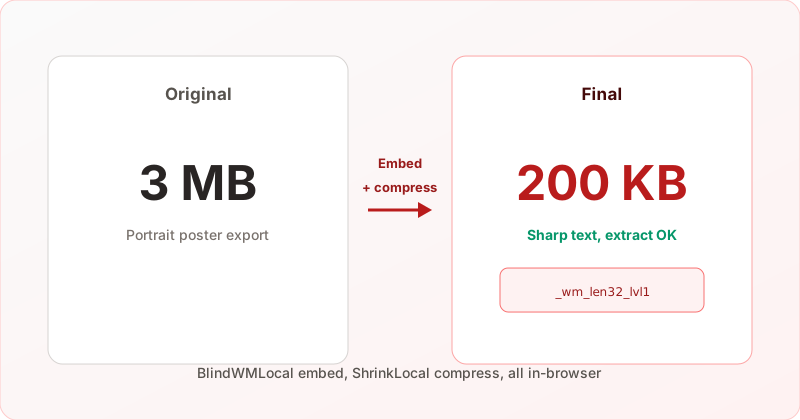
Size and look at a glance
| Stage | Approx. size | Notes |
|---|---|---|
| Original (untouched) | ≈ 3 MB | High-res portrait export; fine for print or redesign |
| After BlindWMLocal embed | Slightly larger than source | Frequency-domain payload; filename includes _wm_len32_lvl1 |
| After ShrinkLocal compress | ≈ 200 KB | Ready for feeds, chat, and landing pages |
| Vs. original | ~93% smaller | ~15× reduction for distribution and storage |
Visual comparison (left: original · right: watermarked + compressed)
Same real run below: original poster on the left, final file on the right. Notice how the headline strokes and flat dark background stay clean at the ~200 KB tier.
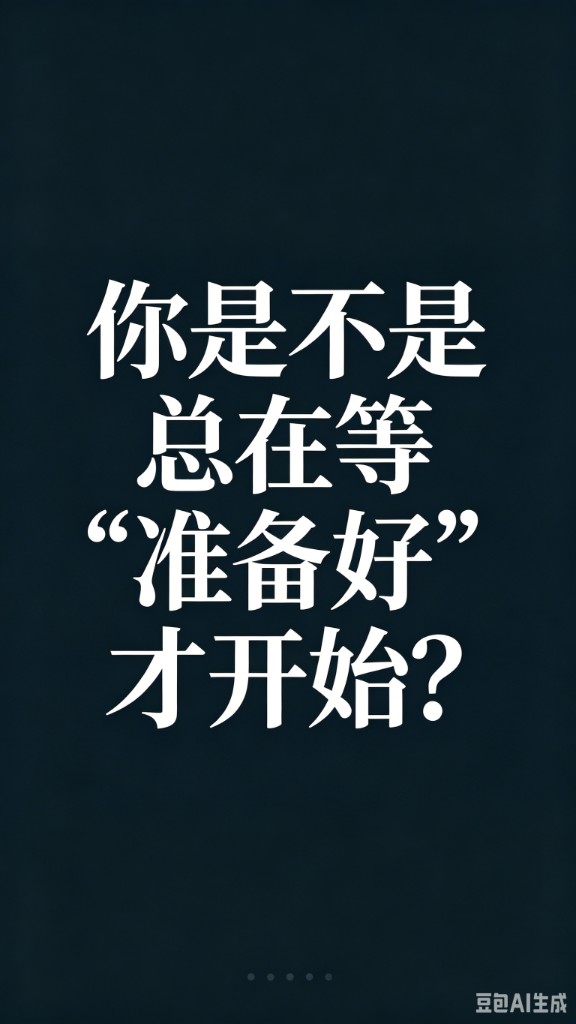
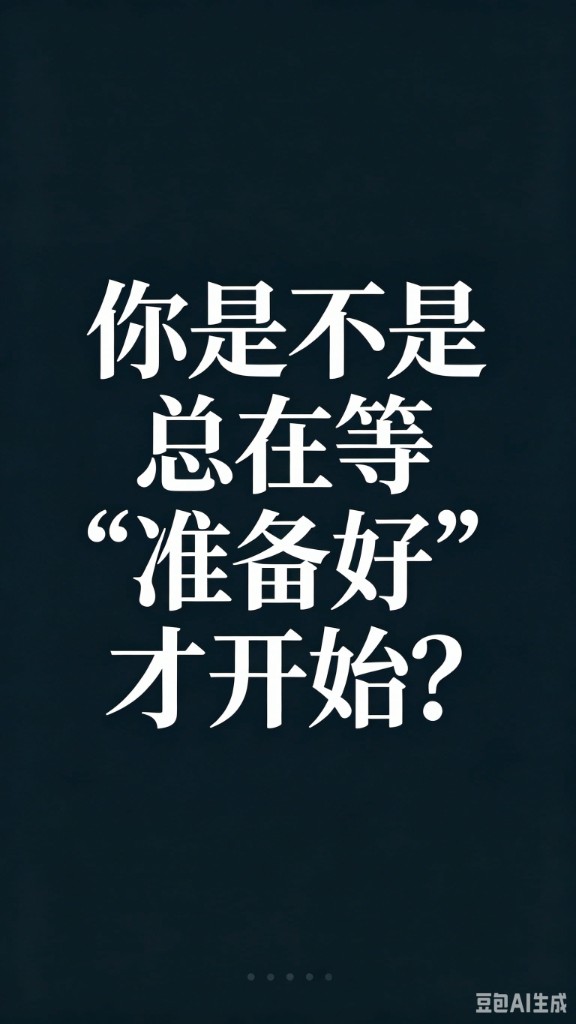
…_wm_len32_lvl1-compressedNote: Images in this post are web-optimized samples. Use your exported file properties for the exact 3 MB / 200 KB numbers in production.
Repeatable workflow
- On Add watermark, upload the source, enter a short trace string (internal ID, email prefix, etc.), and use embed strength level 1 (maps to
_lvl1in the filename). - Download the file tagged
_wm_len32_lvl1—len32is the payload length tier; Extract can read it automatically. See our filename guide. - Open ShrinkLocal and compress that export in the browser (also no server upload).
- Run Extract on the final file you will actually ship. If the string fails, raise export quality before compressing again — JPEG quality vs. watermarks.
Try it yourself — embed, compress, then verify with Extract.
Why “watermark first, compress second” still works
Blind watermarks live in frequency coefficients, not as a visible logo. A solid embed plus controlled lossy compression often hits a sweet spot between file size and decodability. This case used the common len32 + lvl1 pair — especially friendly for high-contrast type on flat backgrounds.
- Visuals — Dark field + bright type compresses well; ~200 KB stayed readable here.
- Traceability — Filename hints preserve length/level for later leaks.
- Privacy — BlindWMLocal and ShrinkLocal are client-side only; no third-party image API.
Practical tips
| Scenario | Suggestion |
|---|---|
| Publishing to social or CMS | Embed → compress to target size → always Extract-test the final file |
| Export format | JPEG quality ≥ 85 on embed export; WebP needs higher tiers — see the quality post |
| Multiple “Save for web” passes | Each lossy round weakens the signal; test Extract after the last step in your pipeline |
| Only have the original | You cannot add a blind watermark retroactively — rerun from the embed page |
More than “compress only”
Shrinking to 200 KB saves bandwidth. Adding a blind watermark adds a verifiable hidden channel — if the image leaks, you can recover the embedded string with the same parameters. Use Detect for quick screening; rely on Extract for real traceability.